

EvidenceOS guided demo
See EvidenceOS in action
Ten main EvidenceOS features, one screen each, captured from the actual app in a sample workspace.
Ten main features, each captured from the actual Qevatrix app in a sample workspace. Fictional SAMPLE records are shown; any other workspace rows are blurred. Read-only — no saved changes and no simulated approvals. Share this link with anyone.
Step 1 of 10
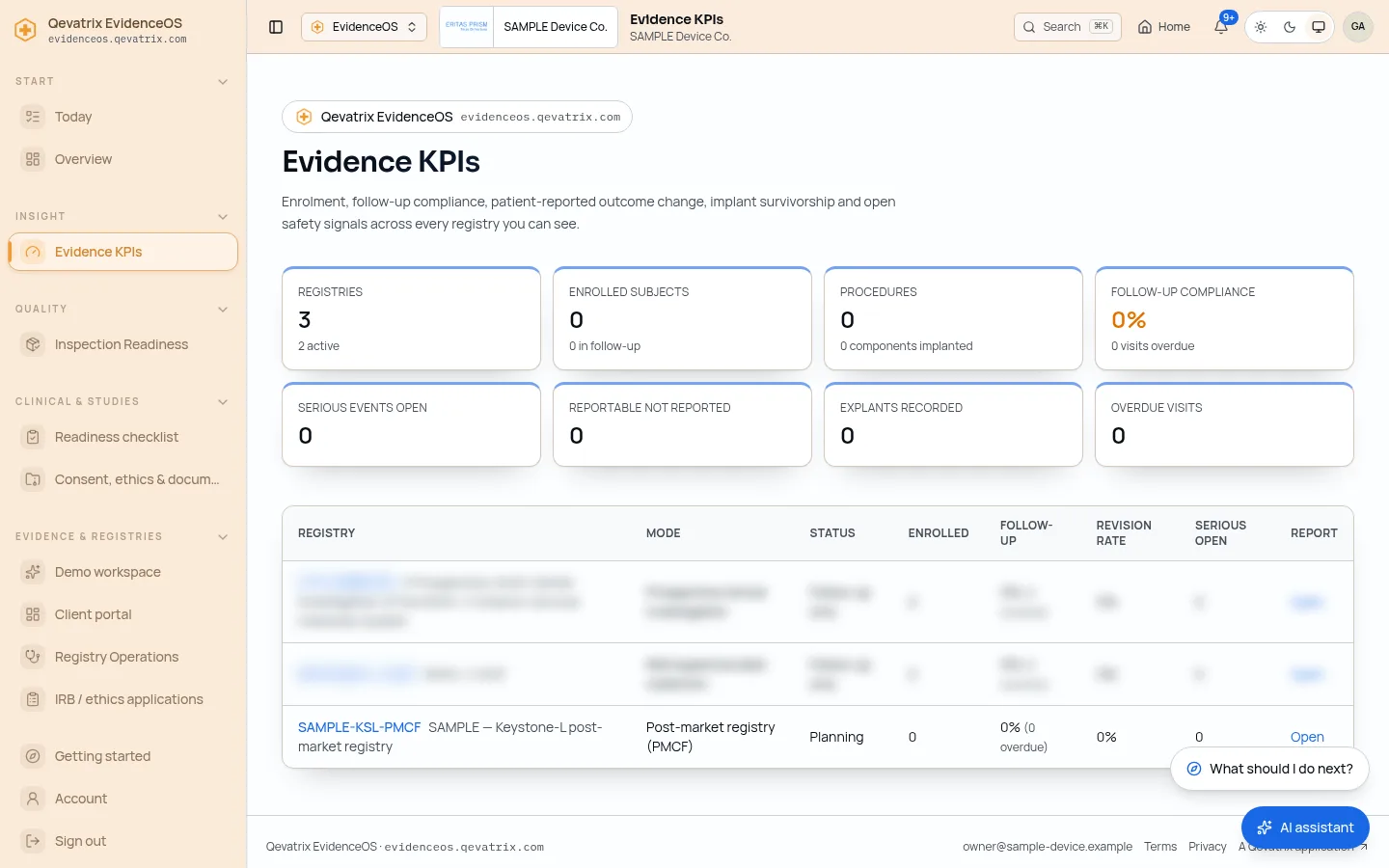
Evidence dashboard
Registry and real-world evidence status in one place.
What makes EvidenceOS different
The parts a generic document system or spreadsheet cannot do
Registries you can stand up in a day
Implant, procedure and participant models are ready-made for orthopedic and spinal implants — no bespoke database build before first enrolment.
Auto-created from ClinicalTrials.gov
Paste an NCT ID and the study, sites and arms are pulled from the ClinicalTrials.gov v2 API and turned into a working registry.
Evidence that flows into regulatory work
Registry outputs feed clinical evaluation and PMCF sections directly, so post-market evidence and MDR reporting share one source.
Signed, inspection-ready exports
Every export is a dated package with signature manifest and audit trail rather than a loose spreadsheet.
Answers, not a sales call
The ten questions everyone asks about EvidenceOS
Answered here in full. Anything else, ask below and you get an immediate answer.
Real-world evidence: implant registries, participants, procedures, visits and safety events, plus literature appraisal feeding clinical evaluation.
Ready to use EvidenceOS with your own records?
Start a subscription, or ask us for a live walkthrough with your device portfolio.